US Passport Photo Requirements 2026
Latest rules: no glasses, white background, 600x600px digital specs.
Upload & process
Choose a photo from your device. Processing starts right on this page.
Examples
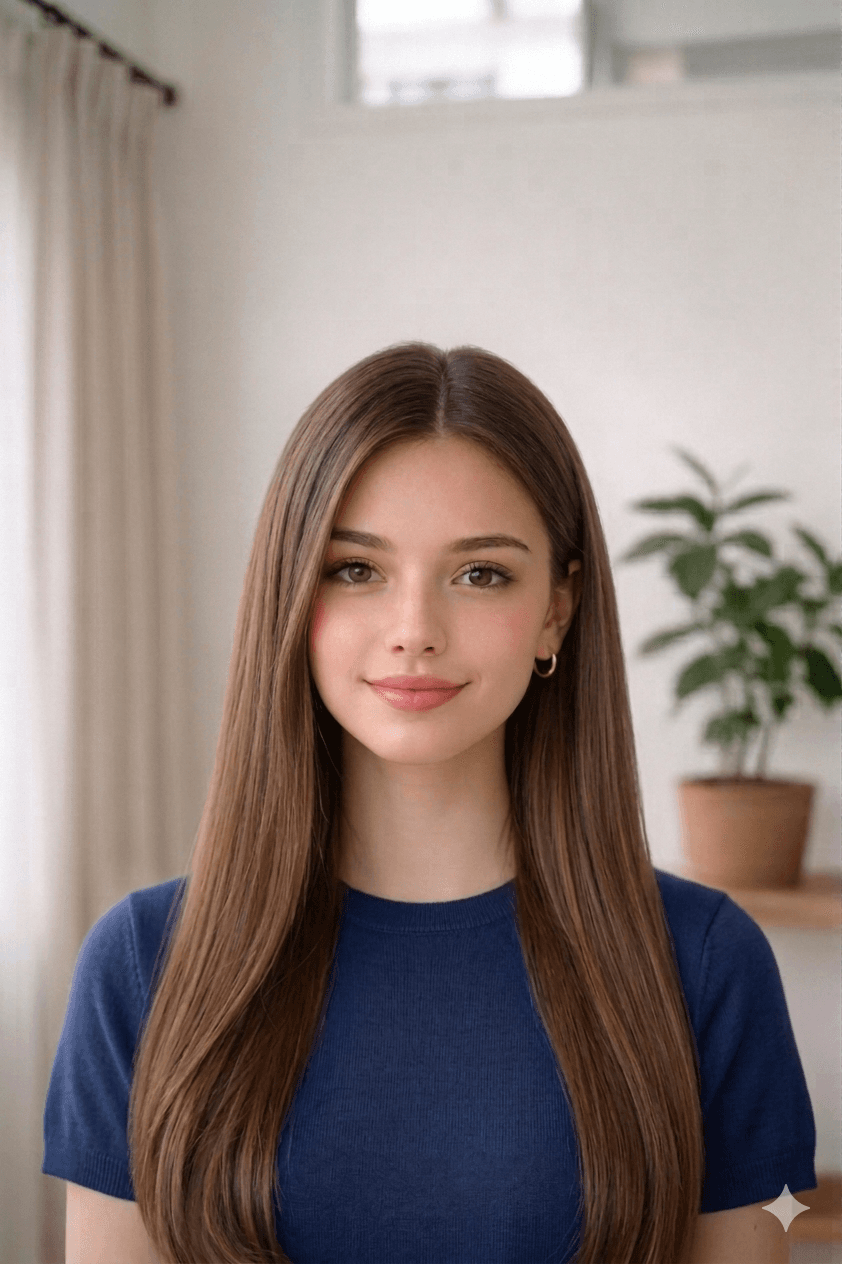
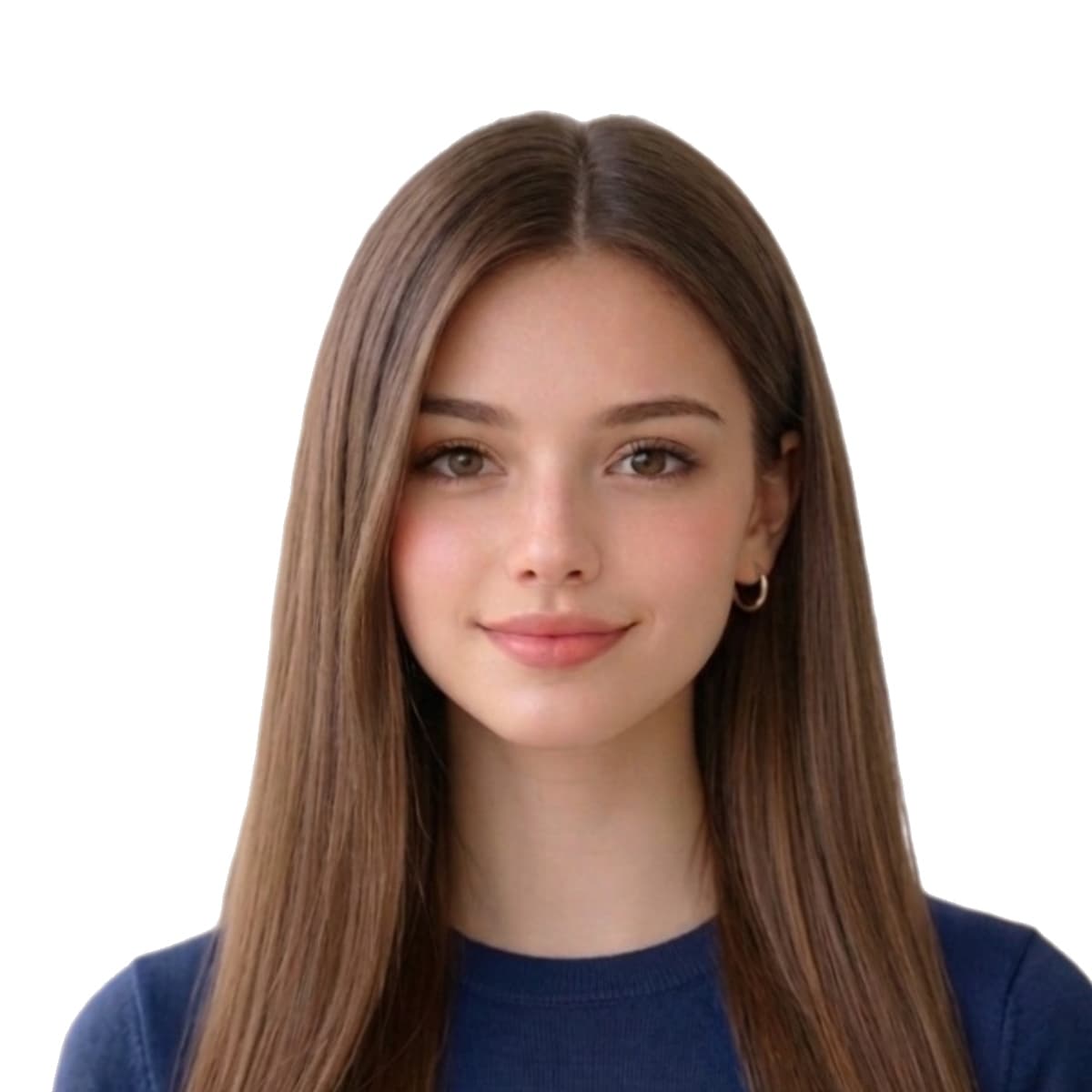
Requirements
- Physical: 51mm × 51mm
- Digital: 600–1200px × 600–1200px
- Max file size: 240 KB
- Background: white
US Passport Photo Online — common questions
Does the US State Department accept AI-edited passport photos in 2026?
No. As of January 1, 2026, the State Department's 8 FAM 402.1 update explicitly rejects passport photos that have been AI-edited — including AI background replacement, skin smoothing, and face reshaping. Standard cropping, resizing, and uniform background recolouring on a real plain wall are still allowed. For US passport submissions, capture against an actual plain white wall and use our tool for geometric crop + resize only.
How long does the State Department take to review a passport photo in 2026?
The automated photo-validation check on the online passport renewal portal returns a result in under 60 seconds. For mailed paper applications, the photo review happens during the standard 6–8 week processing window. Photos that fail automated validation trigger a Request for Evidence notification, adding 60–90 days to the application.
Can I use a Walgreens or CVS passport photo for the online US passport renewal?
Yes — Walgreens and CVS in-house passport photos meet State Department dimensions. The cheaper alternative: take the photo at home (free), produce the file with our tool ($3.99), and print the 4×6 sheet at any Walgreens or CVS photo kiosk for $0.33 – $0.49. Total ~$4.50 vs $14.99 – $16.99 at their passport-photo counter.
Can I use a photo taken with my phone for a US passport?
Yes. Any recent smartphone shoots well above the 600 × 600 pixel minimum the State Department requires, so you don't need a studio, a professional photographer, or a special camera — an ordinary phone photo works. Stand about one metre from a plain white wall in soft daylight, hold the phone at eye level, and take a few shots. Upload the original file (don't send it through WhatsApp or iMessage first, as they compress it below the quality threshold) and our tool crops it to the exact 2 × 2 inch size with the head in the required 50 – 69% band.
How do I take a US passport photo of a baby or infant at home?
Lay the baby on their back on a plain white sheet and photograph straight down from above — the sheet provides the required white background and supports the head with no hands showing in the frame. The child must be alone in the photo, with no toys, pacifiers, hands, or arms visible. The State Department relaxes the rules for infants: the eyes do not have to be fully open and a neutral expression is not required. Take the shot with your phone, upload it, and the tool auto-crops the small head to the correct 2 × 2 inch size band so you don't have to measure anything.
What is the official US Passport Photo Online size?
The official US Passport Photo Online size is 51 mm × 51 mm (2.01 in × 2.01 in). For digital uploads it equals 1200 × 1200 px at 300 DPI.
What background color is required for a US Passport Photo Online?
US Passport Photo Online photos must be taken on a plain white background, evenly lit and free of shadows or patterns.
How big should the face appear in a US Passport Photo Online photo?
The head should fill approximately 70–80% of the photo height, with eyes positioned in the upper-middle of the frame and a neutral expression looking straight at the camera.
Can I take a US Passport Photo Online photo at home?
Yes. Use a recent phone photo against a plain wall, with even daylight and no glasses. Our tool then crops, recolors the background, and resizes to the official 51 mm × 51 mm template.
Can I print the US Passport Photo Online at CVS, Walgreens, or another pharmacy?
Yes. We generate a 4x6 print sheet with 6 photos that any pharmacy or photo kiosk can print.
Common reasons US Passport Photo Online photos are rejected
Issuing authorities reject submissions that miss any of the items below. Our tool automatically corrects crop, background, and dimensions, but you still control the original capture — review this list before you upload.
- wrong_size
- background_not_plain
- shadows_or_texture
- file_too_large
- glasses_visible
- head_covered
Where we sourced these United States specifications
Dimensions, background colour, and biometric framing on this page are compiled from the references below. Always reconfirm the latest guidance directly with the issuing authority before submitting an application.
- travel.state.gov
Last reviewed: