집에서 여권사진 찍기
밝은 벽 앞에서 균일한 조명을 사용하세요.
English · 한국어
업로드 및 처리
기기에서 사진을 선택하면 이 페이지에서 바로 처리가 시작됩니다.
예시
처리 전처리 후
1.4 in
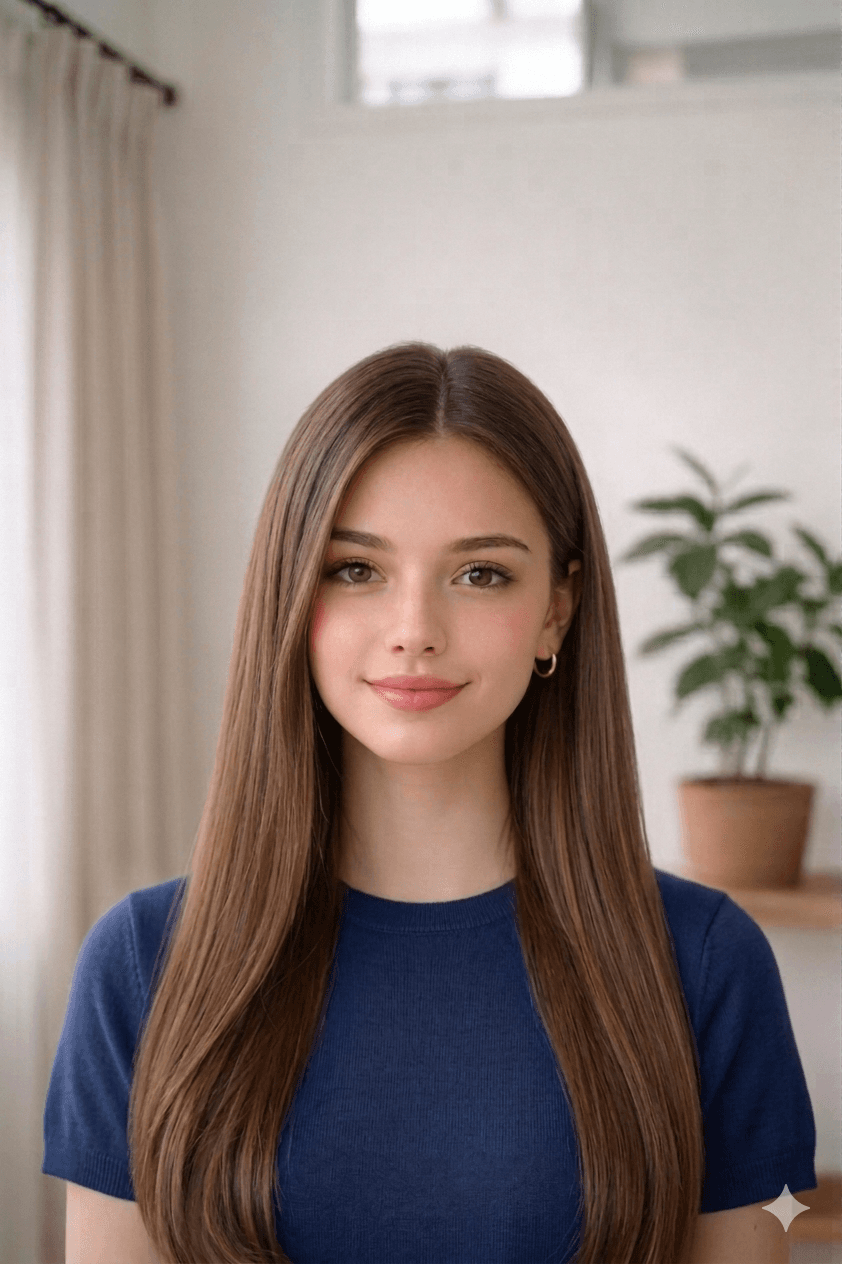
1.8 in
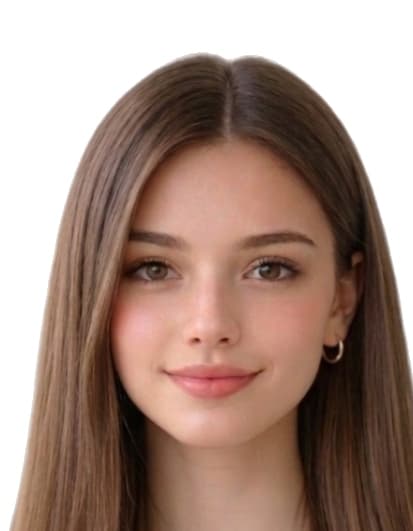
합격 사진 만드는 법
- Take a recent, clear photo. Stand 1.2 m (4 ft) from a plain wall in soft, even daylight. Face the camera with a neutral expression, eyes open, and remove glasses, hats, or filters.
- Open the 대한민국 여권사진 온라인 만들기 tool. Open the upload form on this page and select your photo from your phone or computer. Our tool measures face geometry against the official 대한민국 여권사진 온라인 만들기 template.
- Auto-crop and clean the background. We crop the head to 35 mm × 45 mm with biometric framing and replace the background with a white fill if required.
- Download the print-ready file or 4×6 sheet. Download a 413 × 531 px JPEG for online submissions, or a 4x6 sheet with 8 photos to print at home or a pharmacy.
외교부 안내 비율에 맞게 자동 자르기.
대한민국 여권사진 온라인 만들기 사진이 거절되는 일반적인 이유
발급 기관은 아래 항목 중 하나라도 부합하지 않으면 사진을 거절합니다. 자르기, 배경, 치수는 자동 보정되지만 촬영 자체는 사용자의 몫이니 업로드 전에 확인하세요.
- wrong_35x45_size
- head_height_outside_32_36_mm
- background_not_plain_white
- shadows_or_flash_reflection
- expression_not_neutral
- hair_covering_face_edges
- photo_printed_on_non_photo_paper
South Korea 사양 출처
이 페이지의 크기, 배경 색상, 생체 구도는 아래 자료에 근거합니다. 신청 전 반드시 발급 기관의 최신 안내를 다시 확인하세요.
- overseas.mofa.go.kr
- ICAO guidance cited by Republic of Korea passport notices (e.g. municipal MOFA reprints)
마지막 검토: