自宅でパスポート写真を撮る
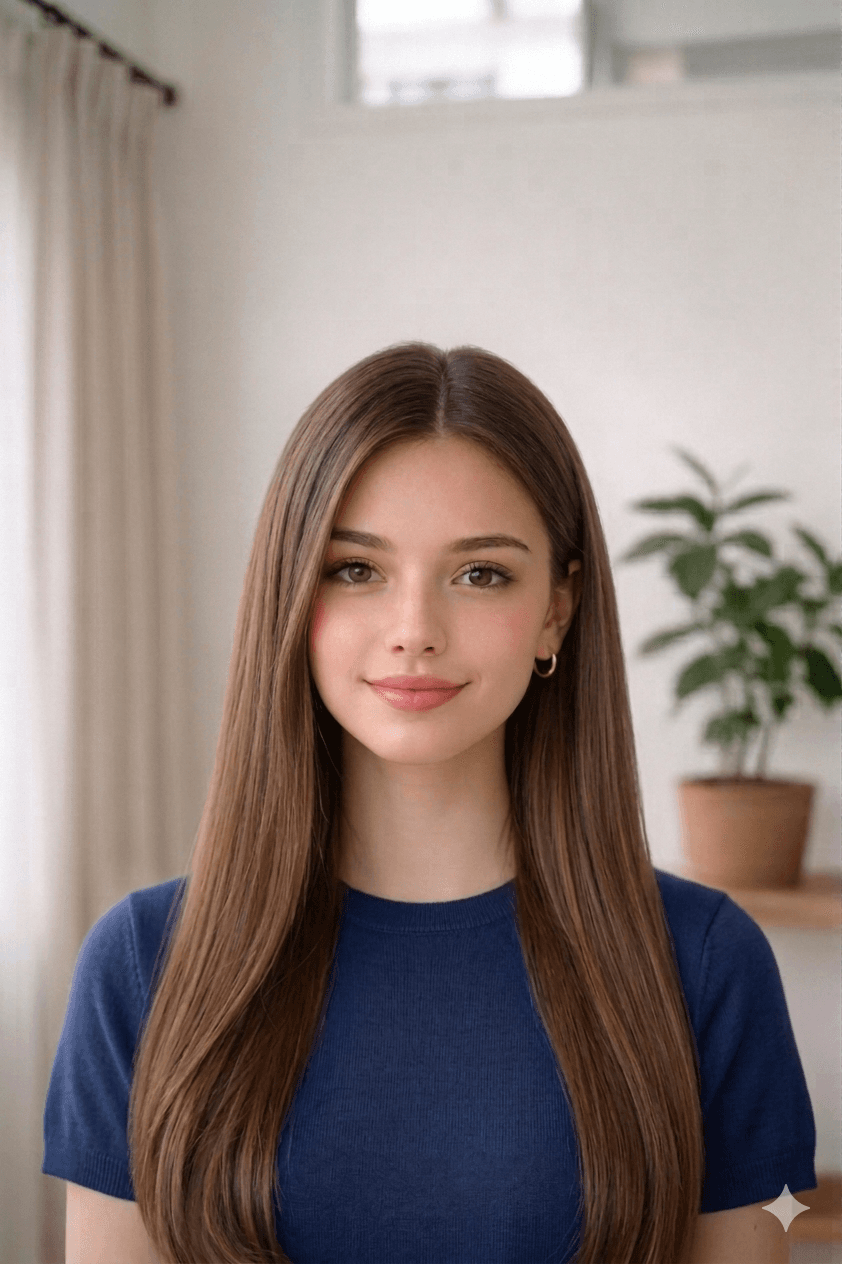
窓際の自然光、シンプルな壁、目線はレンズへ。自動化ゲート対応のため眼鏡は外すのが推奨です。
日本語 · English
アップロードと処理
端末から写真を選ぶと、このページでそのまま処理が始まります。
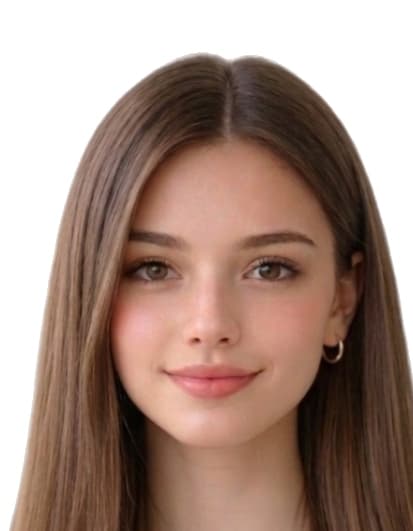
見本
処理前処理後
1.4 in
1.8 in
合格する写真の撮り方
- Take a recent, clear photo. Stand 1.2 m (4 ft) from a plain wall in soft, even daylight. Face the camera with a neutral expression, eyes open, and remove glasses, hats, or filters.
- Open the パスポート写真 オンライン作成(外務省基準) tool. Open the upload form on this page and select your photo from your phone or computer. Our tool measures face geometry against the official パスポート写真 オンライン作成(外務省基準) template.
- Auto-crop and clean the background. We crop the head to 35 mm × 45 mm with biometric framing and replace the background with a white fill if required.
- Download the print-ready file or 4×6 sheet. Download a 413 × 531 px JPEG for online submissions, or a 4x6 sheet with 8 photos to print at home or a pharmacy.
顔の位置と余白を旅券用の規格に合わせて調整します。
パスポート写真 オンライン作成(外務省基準) 写真が却下されやすい理由
発行機関は以下のいずれかを満たさない申請を却下します。本ツールは切り抜き・背景・寸法を自動補正しますが、撮影自体はあなたの責任です。アップロード前に必ず確認してください。
- wrong_dimensions_or_face_height
- background_not_plain
- shadows_or_uneven_light
- expression_not_neutral
- hair_covering_eyes_or_eyebrows
- visible_retouching_or_filters
- hat_or_non_medical_headwear
Japan 仕様の出典
本ページの寸法・背景色・生体構図は下記の参考資料に基づいて作成しています。申請前に必ず発行機関の最新ガイドラインをご確認ください。
- mofa.go.jp
最終確認: