A casa
Luce morbida.
Carica ed elabora
Scegli una foto dal dispositivo. L’elaborazione inizia in questa pagina.
Esempi
PrimaDopo
1.4 in
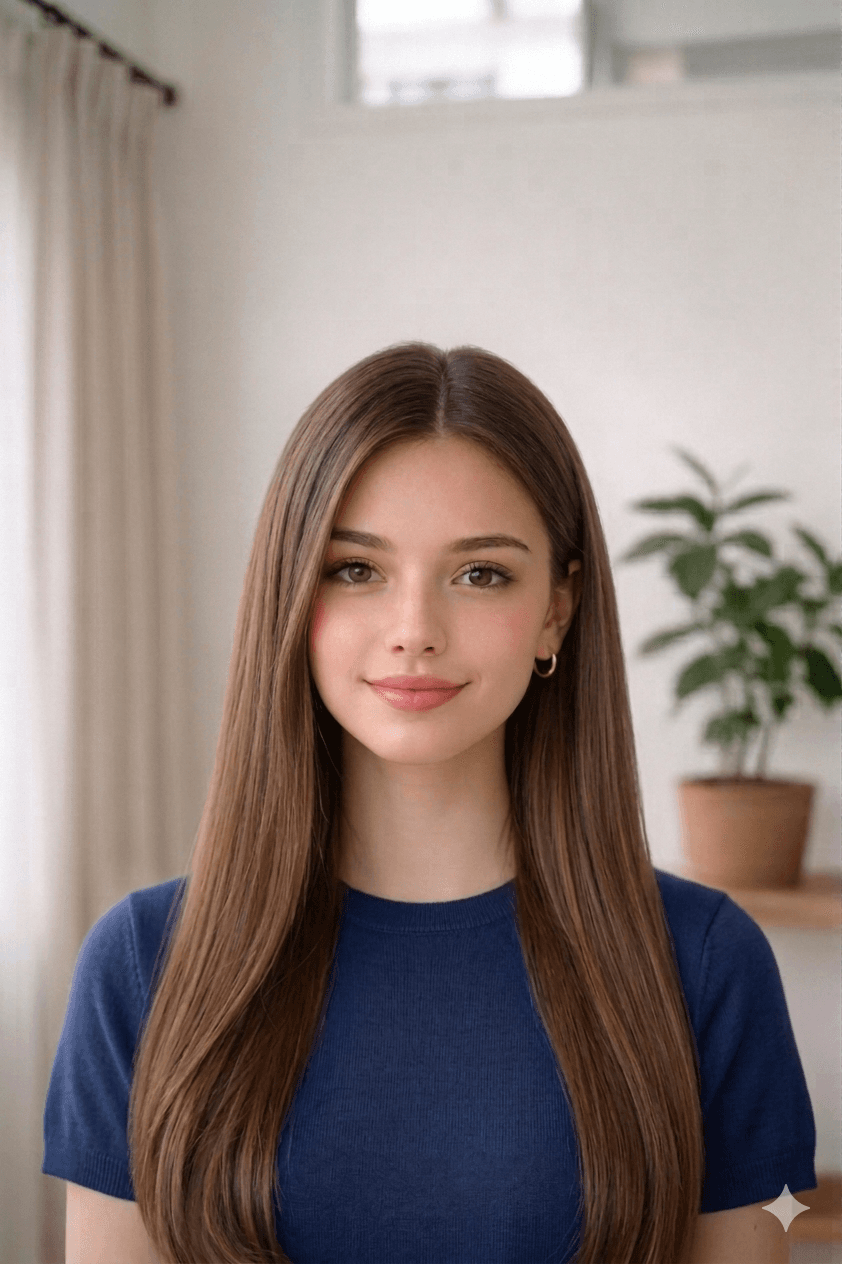
1.8 in
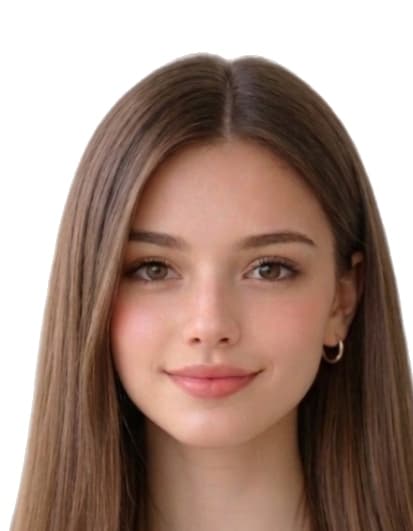
Come creare la foto
- Take a recent, clear photo. Stand 1.2 m (4 ft) from a plain wall in soft, even daylight. Face the camera with a neutral expression, eyes open, and remove glasses, hats, or filters.
- Open the Foto visto Svizzera tool. Open the upload form on this page and select your photo from your phone or computer. Our tool measures face geometry against the official Foto visto Svizzera template.
- Auto-crop and clean the background. We crop the head to 35 mm × 45 mm with biometric framing and replace the background with a white fill if required.
- Download the print-ready file or 4×6 sheet. Download a 413 × 531 px JPEG for online submissions, or a 4x6 sheet with 8 photos to print at home or a pharmacy.
Ritaglio per immigrazione.
Motivi comuni di rifiuto delle foto Foto visto Svizzera
Le autorità rifiutano le richieste che non soddisfano i punti seguenti. Il nostro strumento corregge ritaglio, sfondo e dimensioni, ma lo scatto originale dipende da te — controlla la lista prima di caricare.
- photo_not_35x45_mm
- face_height_outside_icao_band
- background_not_uniform_light_grey
- printed_resolution_too_low
- shadows_or_red_eye
- expression_not_neutral
- head_not_centred
Fonti delle specifiche per Switzerland
Dimensioni, colore di sfondo e inquadratura biometrica in questa pagina sono basate sulle fonti seguenti. Verifica sempre le ultime indicazioni dell'autorità emittente prima di presentare la domanda.
- sem.admin.ch
- fedpol.admin.ch
Ultima revisione: