Take a Germany Visa Photo at Home
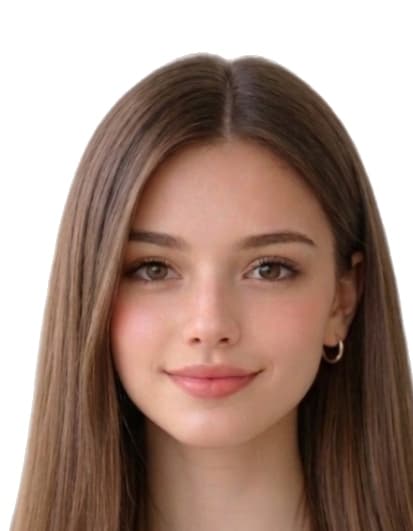
Use a bright plain wall, face the camera squarely, and keep hair off the eyes.
Deutsch · English
Upload & process
Choose a photo from your device. Processing starts right on this page.
Examples
BeforeAfter
1.4 in

1.8 in
How to create your photo
- Take a recent, clear photo. Stand 1.2 m (4 ft) from a plain wall in soft, even daylight. Face the camera with a neutral expression, eyes open, and remove glasses, hats, or filters.
- Open the Germany Visa Photo Maker (Schengen) tool. Open the upload form on this page and select your photo from your phone or computer. Our tool measures face geometry against the official Germany Visa Photo Maker (Schengen) template.
- Auto-crop and clean the background. We crop the head to 35 mm × 45 mm with biometric framing and replace the background with a white fill if required.
- Download the print-ready file or 4×6 sheet. Download a 413 × 531 px JPEG for online submissions, or a 4x6 sheet with 8 photos to print at home or a pharmacy.
Align portraits with Auswärtiges Amt sample photo measurements.
Common reasons Germany Visa Photo Maker (Schengen) photos are rejected
Issuing authorities reject submissions that miss any of the items below. Our tool automatically corrects crop, background, and dimensions, but you still control the original capture — review this list before you upload.
- wrong_photo_size
- face_height_outside_32_36_mm
- background_not_uniform_light
- shadows_or_red_eye
- head_tilt_or_profile
- glasses_on_passport_photo
- mouth_open_or_smiling
Where we sourced these Germany specifications
Dimensions, background colour, and biometric framing on this page are compiled from the references below. Always reconfirm the latest guidance directly with the issuing authority before submitting an application.
- bmi.bund.de
- bundesdruckerei.de
Last reviewed: