À domicile
Fond blanc.
English · Français
Téléverser et traiter
Choisissez une photo sur votre appareil. Le traitement commence sur cette page.
Exemples
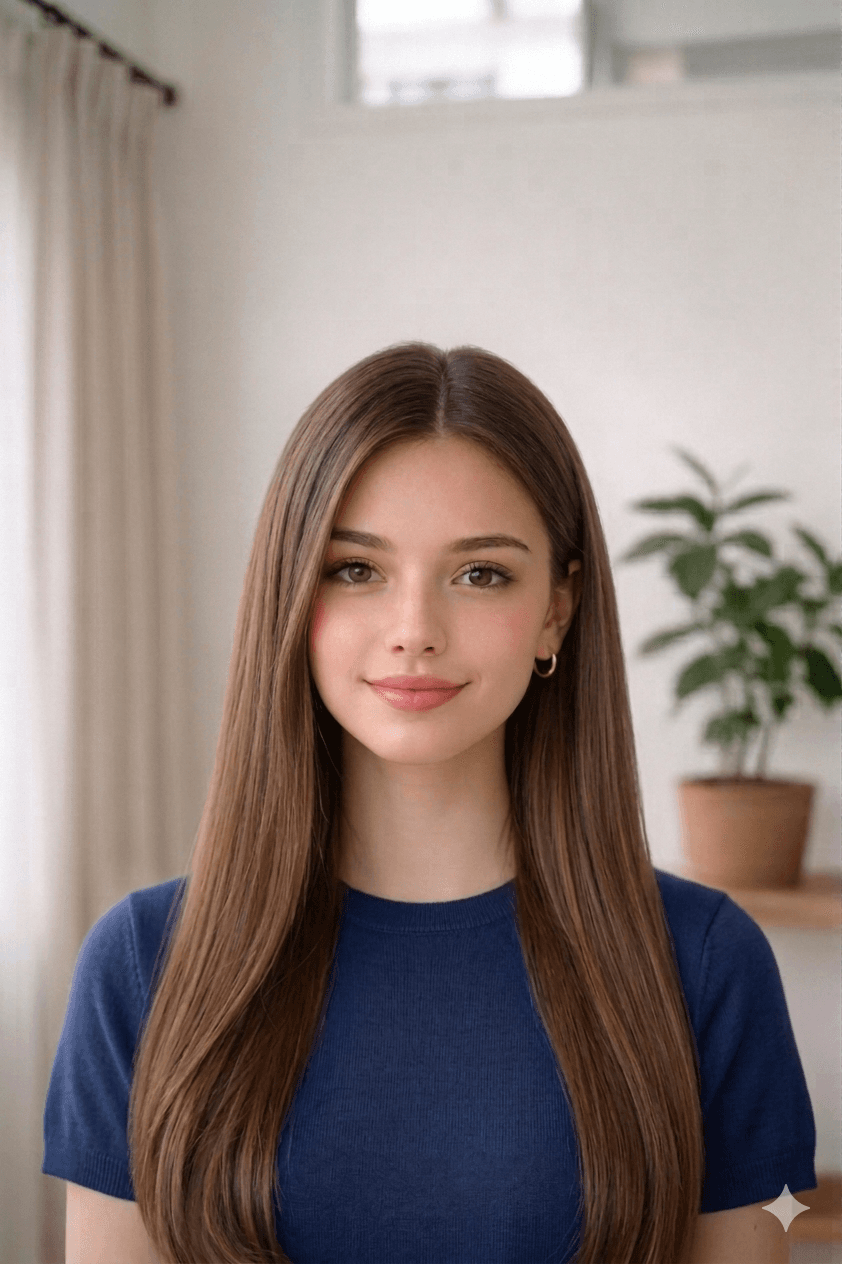
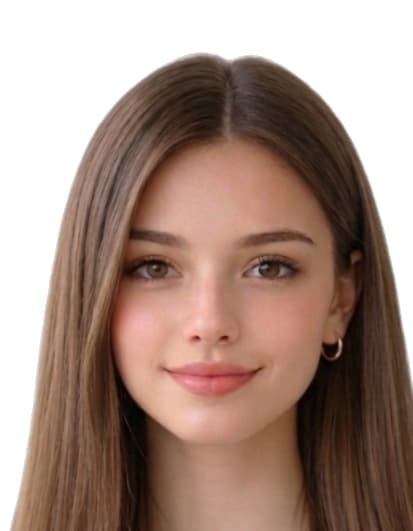
AvantAprès
1.4 in
1.8 in
Comment réussir votre photo
- Take a recent, clear photo. Stand 1.2 m (4 ft) from a plain wall in soft, even daylight. Face the camera with a neutral expression, eyes open, and remove glasses, hats, or filters.
- Open the Photo visa Cameroun tool. Open the upload form on this page and select your photo from your phone or computer. Our tool measures face geometry against the official Photo visa Cameroun template.
- Auto-crop and clean the background. We crop the head to 35 mm × 45 mm with biometric framing and replace the background with a white fill if required.
- Download the print-ready file or 4×6 sheet. Download a 413 × 531 px JPEG for online submissions, or a 4x6 sheet with 8 photos to print at home or a pharmacy.
Recadrage automatique.
Motifs courants de refus d'une photo de Photo visa Cameroun
Les autorités refusent les envois qui ne respectent pas l'un des points ci-dessous. Notre outil corrige le recadrage, le fond et les dimensions, mais la prise de vue reste de votre responsabilité — vérifiez cette liste avant de téléverser.
- wrong_size_35x45
- background_not_white
- low_dpi_print
- expression_not_neutral
- shadows
- wrong_jpeg_limits
Sources officielles utilisées pour Cameroon
Les dimensions, la couleur du fond et le cadrage biométrique de cette page proviennent des références ci-dessous. Vérifiez toujours la dernière version officielle avant de soumettre votre demande.
- diplocam.de
- cameroonembassyusa.org
Dernière révision: