Egypt Passport Photo Examples
Wrong dimensions or shadows are common rejections.
English · العربية
Upload & process
Choose a photo from your device. Processing starts right on this page.
Examples
BeforeAfter
1.6 in

2.4 in
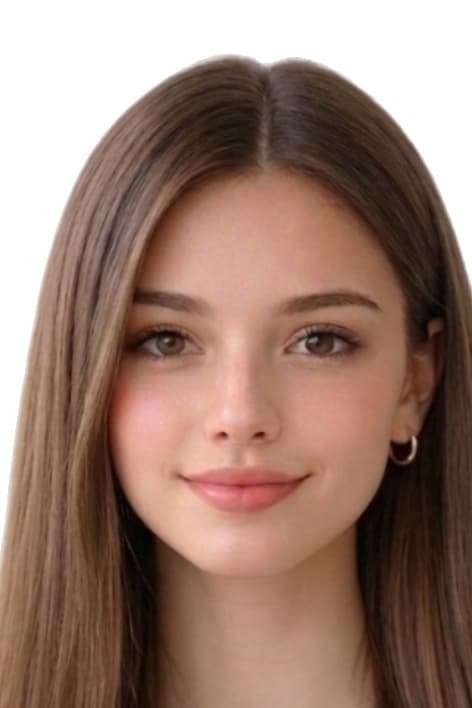
Common reasons Egypt Passport Photo Maker Online photos are rejected
Issuing authorities reject submissions that miss any of the items below. Our tool automatically corrects crop, background, and dimensions, but you still control the original capture — review this list before you upload.
- wrong_passport_photo_size
- background_not_plain
- shadows_or_uneven_light
- expression_not_neutral
- low_resolution_or_blurry_print
Where we sourced these Egypt specifications
Dimensions, background colour, and biometric framing on this page are compiled from the references below. Always reconfirm the latest guidance directly with the issuing authority before submitting an application.
- moi.gov.eg/passports (وزارة الداخلية المصرية — الإدارة العامة للجوازات والهجرة والجنسية PENA)
- www.egypt.gov.eg (national portal — passport / citizen services hubs; confirm current photo dimensions at your issuing office or consulate)
Last reviewed: