Colombia Visa Photo Examples
Blurry, edited, or wrong-size uploads are rejected.
English · Español
Upload & process
Choose a photo from your device. Processing starts right on this page.
Examples
BeforeAfter
1.2 in

1.6 in
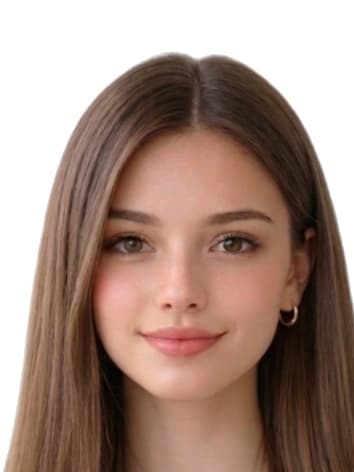
Common reasons Colombia Visa Photo Maker Online photos are rejected
Issuing authorities reject submissions that miss any of the items below. Our tool automatically corrects crop, background, and dimensions, but you still control the original capture — review this list before you upload.
- wrong_pixel_dimensions
- file_too_large
- background_not_white
- expression_not_neutral
- hair_or_accessories_obscuring_face
Where we sourced these Colombia specifications
Dimensions, background colour, and biometric framing on this page are compiled from the references below. Always reconfirm the latest guidance directly with the issuing authority before submitting an application.
- www.cancilleria.gov.co/tramites_servicios/visa/abece-visas (fotografía JPG máx. 300 kb, fondo blanco, rostro de frente)
- tramitesmre.cancilleria.gov.co/tramites/enlinea/solicitarVisa.xhtml (antes de iniciar: foto 3×4 cm, color, fondo blanco, JPG máx. 300 KB)
- www.cancilleria.gov.co/faq/tengo-que-llevar-fotografias-que-me-sea-expedido-pasaporte (pasaporte ordinario: no requiere llevar fotos; toma en oficina)
Last reviewed: