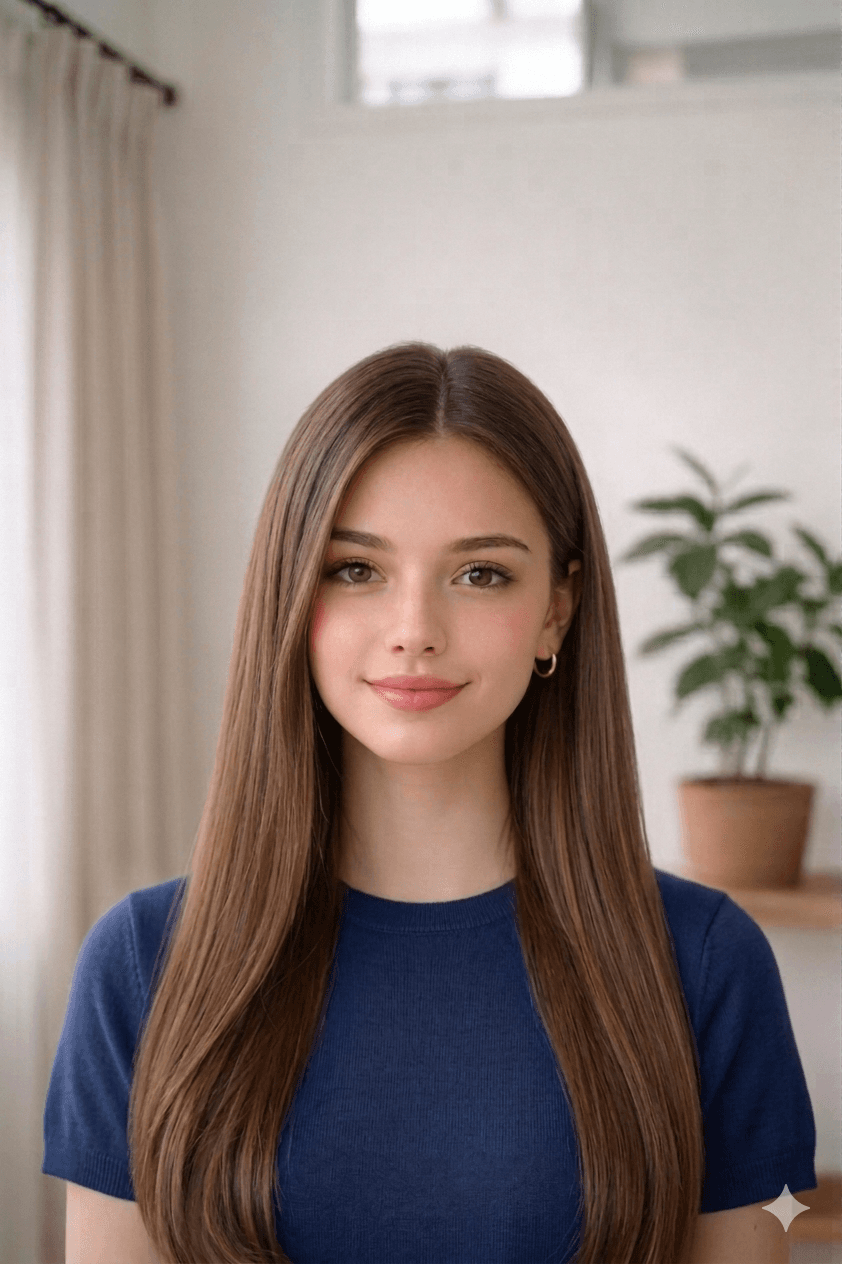
في المنزل
إضاءة متساوية.
English · العربية
رفع ومعالجة
اختر صورة من جهازك. تبدأ المعالجة مباشرة في هذه الصفحة.
أمثلة
قبلبعد
1.6 in
2.4 in
كيفية التقاط صورة مقبولة
- Take a recent, clear photo. Stand 1.2 m (4 ft) from a plain wall in soft, even daylight. Face the camera with a neutral expression, eyes open, and remove glasses, hats, or filters.
- Open the صورة تأشيرة مصر tool. Open the upload form on this page and select your photo from your phone or computer. Our tool measures face geometry against the official صورة تأشيرة مصر template.
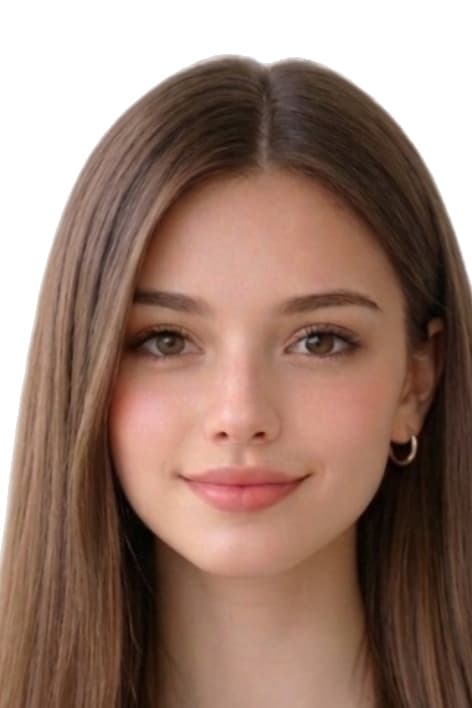
- Auto-crop and clean the background. We crop the head to 40 mm × 60 mm with biometric framing and replace the background with a white fill if required.
- Download the print-ready file or 4×6 sheet. Download a 472 × 708 px JPEG for online submissions, or a 4x6 sheet with 8 photos to print at home or a pharmacy.
قص تلقائي.
الأسباب الشائعة لرفض صور صورة تأشيرة مصر
ترفض جهات الإصدار أي طلب لا يفي بأحد البنود التالية. تصحح أداتنا القص والخلفية والأبعاد تلقائيًا، لكن التقاط الصورة من مسؤوليتك — راجع هذه القائمة قبل الرفع.
- wrong_passport_photo_size
- background_not_plain
- shadows_or_uneven_light
- expression_not_neutral
- low_resolution_or_blurry_print
مصادر مواصفات Egypt
تستند الأبعاد ولون الخلفية وتأطير القياسات الحيوية في هذه الصفحة إلى المراجع أدناه. تحقق دائمًا من أحدث إرشادات الجهة المُصدِرة قبل تقديم الطلب.
- moi.gov.eg/passports (وزارة الداخلية المصرية — الإدارة العامة للجوازات والهجرة والجنسية PENA)
- www.egypt.gov.eg (national portal — passport / citizen services hubs; confirm current photo dimensions at your issuing office or consulate)
آخر مراجعة: