في المنزل
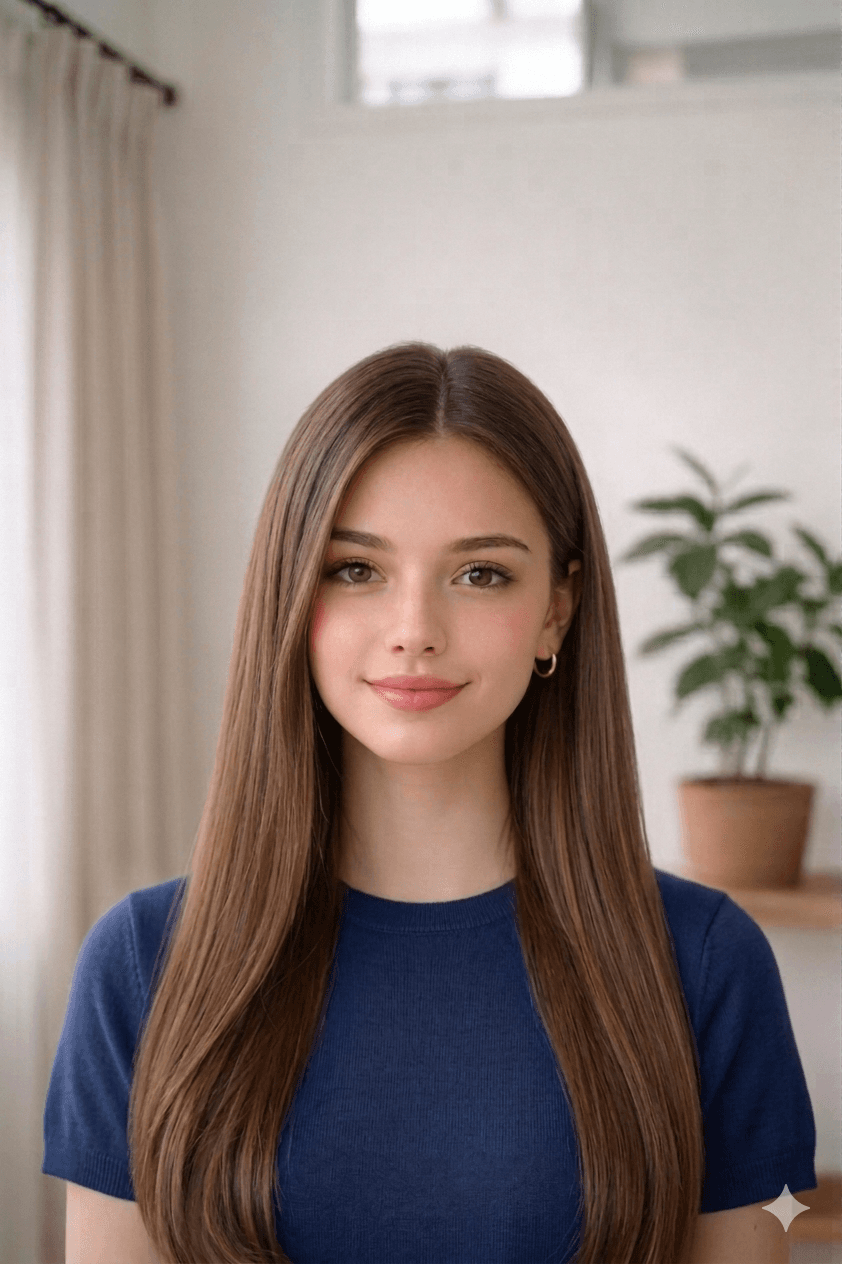
خلفية بيضاء وإضاءة ناعمة.
English · العربية
رفع ومعالجة
اختر صورة من جهازك. تبدأ المعالجة مباشرة في هذه الصفحة.
أمثلة
قبلبعد
1.3 in
1.7 in
كيفية التقاط صورة مقبولة
- Take a recent, clear photo. Stand 1.2 m (4 ft) from a plain wall in soft, even daylight. Face the camera with a neutral expression, eyes open, and remove glasses, hats, or filters.
- Open the صورة تأشيرة/إقامة البحرين tool. Open the upload form on this page and select your photo from your phone or computer. Our tool measures face geometry against the official صورة تأشيرة/إقامة البحرين template.
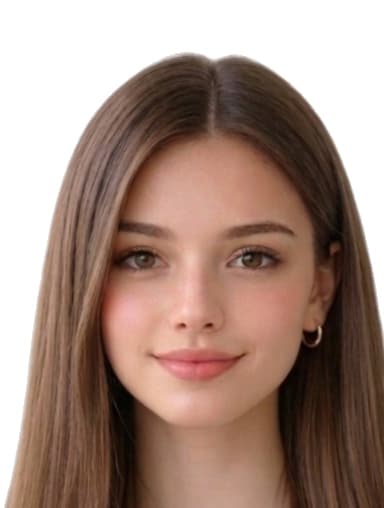
- Auto-crop and clean the background. We crop the head to 32.5 mm × 43 mm with biometric framing and replace the background with a white fill if required.
- Download the print-ready file or 4×6 sheet. Download a 384 × 508 px JPEG for online submissions, or a 4x6 sheet with 8 photos to print at home or a pharmacy.
قص تلقائي للنسبة.
الأسباب الشائعة لرفض صور صورة تأشيرة/إقامة البحرين
ترفض جهات الإصدار أي طلب لا يفي بأحد البنود التالية. تصحح أداتنا القص والخلفية والأبعاد تلقائيًا، لكن التقاط الصورة من مسؤوليتك — راجع هذه القائمة قبل الرفع.
- wrong_size_32_5x43
- background_not_pure_white
- uneven_lighting_or_glare
- digitally_altered_face
- shadows_under_eyes
- wrong_file_format
مصادر مواصفات Bahrain
تستند الأبعاد ولون الخلفية وتأطير القياسات الحيوية في هذه الصفحة إلى المراجع أدناه. تحقق دائمًا من أحدث إرشادات الجهة المُصدِرة قبل تقديم الطلب.
- npra.gov.bh
آخر مراجعة: